Tiny Skies Fighter Jet Helicopters Tiny Skies Pilot Tools
Practical planners and checklists so Credits and practice time go further.
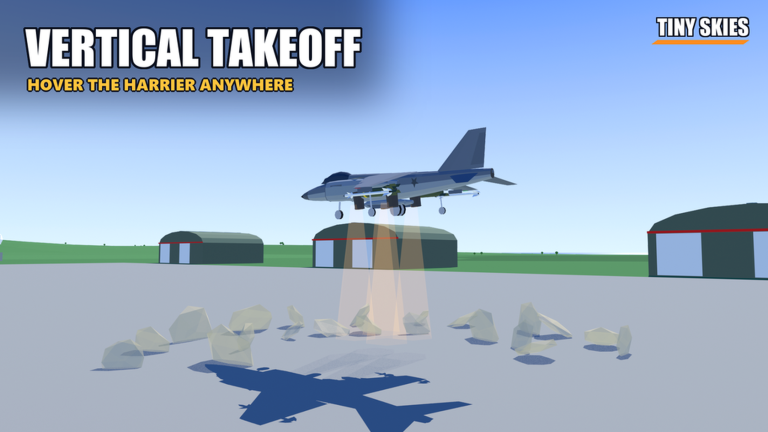
The Tools hub turns Tiny Skies advice into checklists you can run before you queue. Nothing here replaces the Shop UI prices—always verify costs in-game—but these planners stop impulse buys after you redeem BOMBERS / WELCOME.
Tool 1 — Credit spend planner
Work top to bottom; stop when Credits run out.
- Flight School complete? If no → do it (Getting Started).
- Active codes redeemed? If no → Codes Hub.
- Free jet + free heli practiced? If no → F-5E / Little Bird first.
- Main mode chosen? Dogfight / FFA / Strike / Naval.
- Buy one airframe from the matching tier list (Jets or Helicopters).
- Upgrade that airframe OR Auto Rearm if you main strike loops.
- Second-role flex airframe.
- VIP only if you already play daily.
- Paints last.
Print this mentally every time the Shop glows after a big code redeem.
Tool 2 — Mode loadout picker
| If you queue… | Bring first | Bring second |
|---|---|---|
| Dogfight | F-22 / Su-57 / F-35 class | F-14 or MiG-25 |
| Free-for-All | Escape-capable air superiority jet | MiG-25 style speed flex |
| Strike | Apache / Ka-52 / A-10 | Cobra / Hind / A-4 |
| Naval | Anti-ship capable jet | Attack heli flex |
Details: Dogfight Tactics, Helicopter Strike.
Tool 3 — 15-minute warm-up circuit
- One clean takeoff with gear up (Controls).
- One intentional flare break (Weapons & Flares).
- One map check habit loop (
Mevery ~20s). - One objective touch (base, tank, or carrier component).
- Queue your main mode warm—not tilted.
Tool 4 — Death review sheet
After any losing streak, mark the cause:
- Ignored missile tone
- Empty flares
- Low energy merge
- Wrong weapon selected
- Solo base dive
- Wrong airframe for mode
- Playing while UI/lagging on mobile (Mobile Controls)
Fix the top checked box next match—only one. Climbing on Players habits beats changing three things at once.
Tool 5 — Update response card
When the hangar changes (Updates):
- Recheck codes.
- Test new free frames for ten minutes.
- Revalidate script assumptions (or better, fly clean).
- Re-read tier list notes for event jets/bombers (Bombers Update, November 2026 roster).
- Freeze cosmetics spending for 48 hours.
Tool 6 — Share kit for new friends
Send this ordered list:
- Official Roblox experience (Links)
- Getting Started
- Codes
- Controls
- Tier List Hub
Related reading
Tools exist to save Credits and nerves. Use them before the Shop, not after buyer’s remorse.
Frequently Asked Questions
Quick answers about jets, helicopters, credits, and match modes.
Do these tools replace the in-game Shop?
No. They are planning checklists. Always confirm live Credit prices and unlocks inside Tiny Skies.
What is the first tool I should use after redeeming codes?
The Credit spend planner—airframe first, cosmetics last.
Can mobile players use the same planners?
Yes. Add the mobile warm-up note: landscape mode and flare-button familiarity before ranked queues.
Where should I go after picking a loadout?
Open the matching tactics guide—Dogfight Tactics or Helicopter Strike—then queue.